

MiniMed GoTM system
The only system that automatically integrates insulin dosing and glucose data to provide powerful MDI therapy insights in a single app.
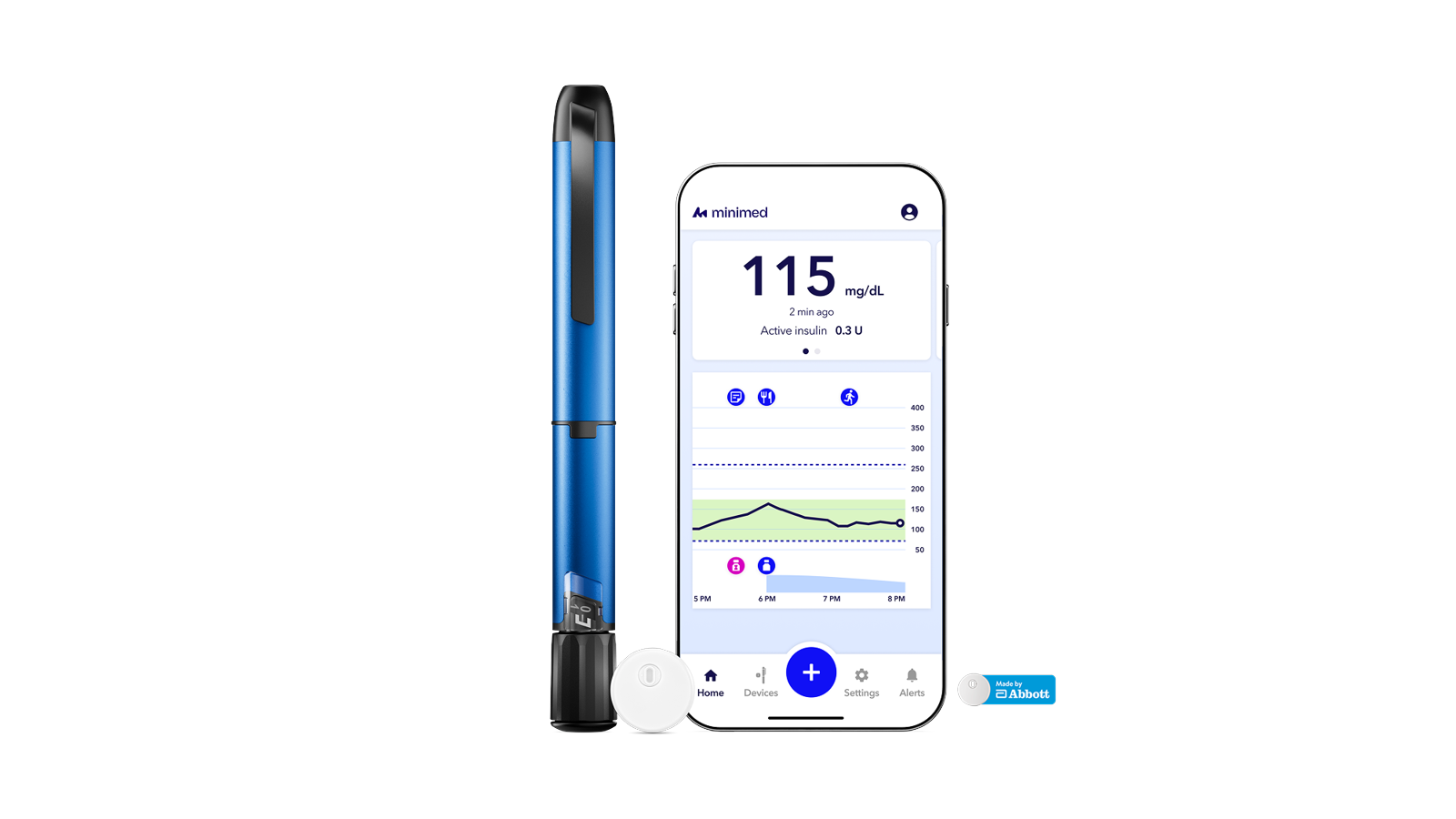
Transforms MDI therapy into connected, data-driven diabetes care1

Remembers
Automatically tracks doses, active insulin, and glucose trends.

Reminds
Alerts users across devices to help them stay on track.

Recommends
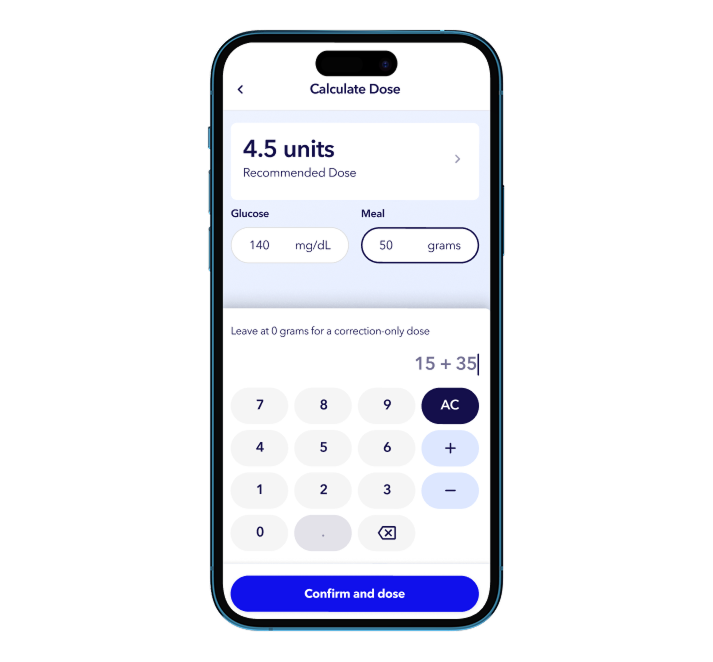
Provides personalized mealtime dose guidance based on real-time data.
What is MiniMed Go
A smart insulin pen system for people who manage their diabetes with insulin injections. MiniMed Go offers:
- Mealtime dose recommendations based on current glucose, active insulin, and carbs
- Notifications across devices when a dose is missed, and a recommended correction dose
- Streamlined reports that give the full picture to personalize therapy
- Flexible therapy modes including carb counting, meal estimation, and fixed dosing
- Optional half-unit dosing for added precision
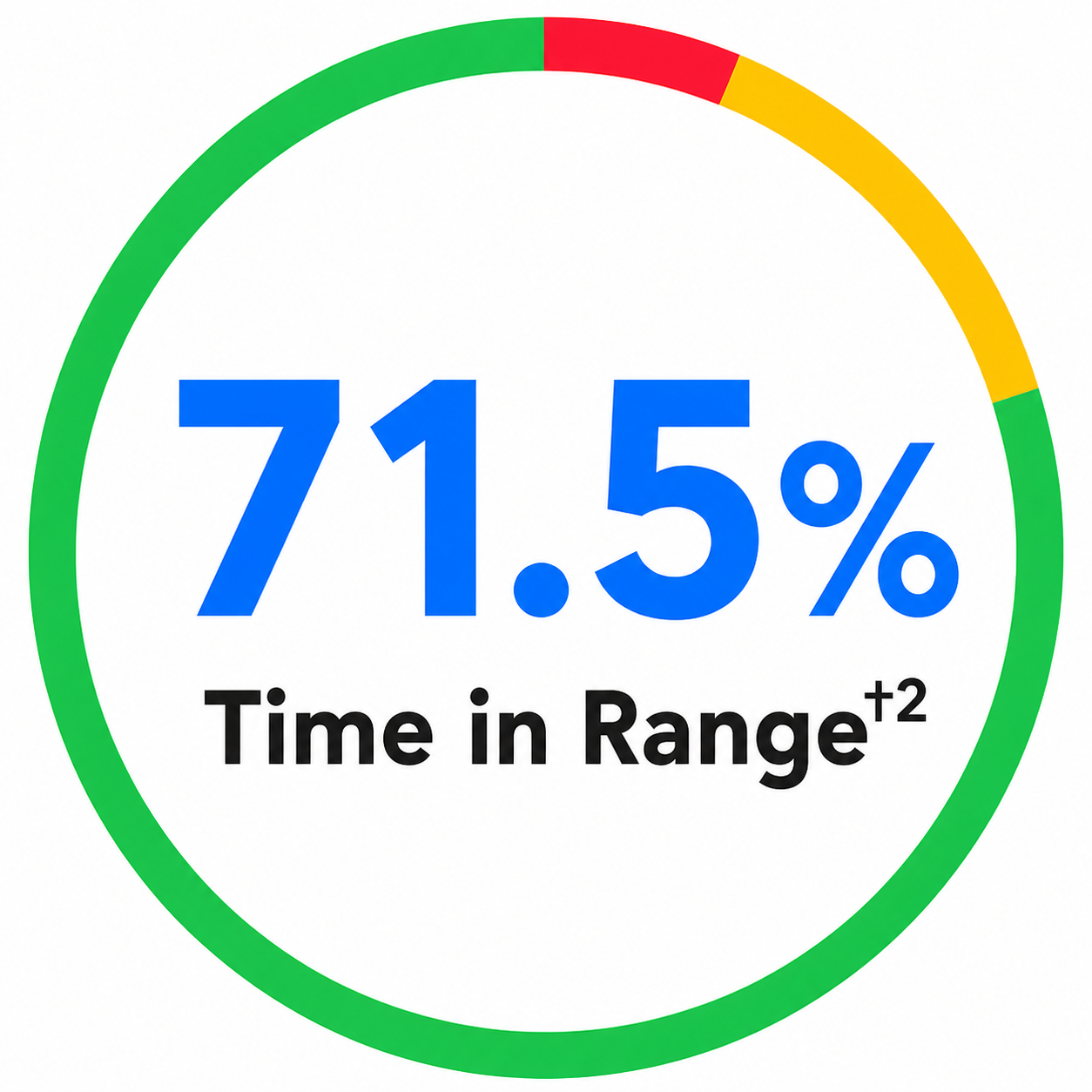
Real-world evidence showed that users who responded more consistently and quickly to actionable alerts with an insulin bolus had better glycemic outcomes, achieving more than 70% time in range among those who responded to these alerts at least 75% of the time.†2
System components
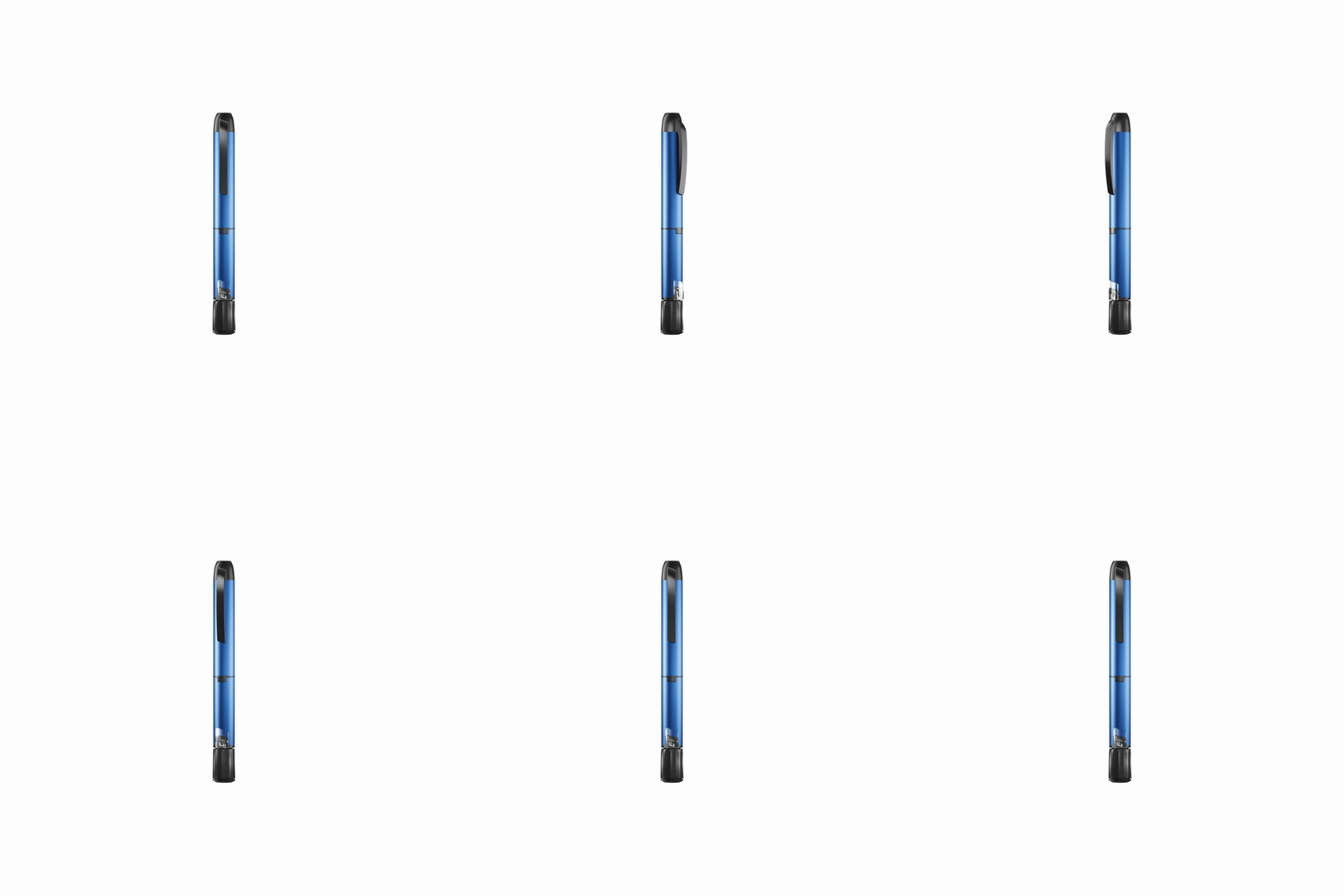
InPenTM smart insulin pen


InPenTM smart insulin pen
A reusable smart insulin pen that sends data to the MiniMed Go app, automating insulin dose tracking. Offers half-unit dosing. Comes in 3 color options: blue, gray, and pink.
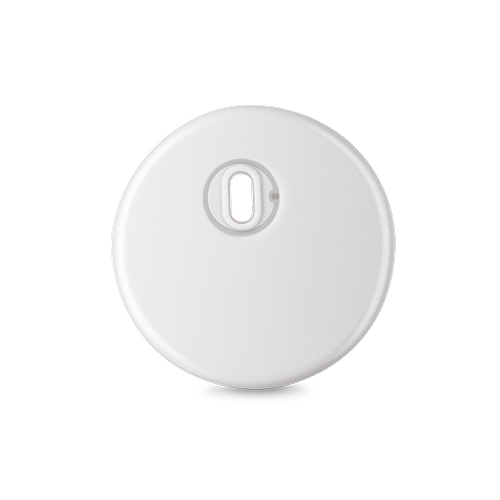
Instinct sensor, made by Abbott
Instinct sensor, made by Abbott
Instinct sensor is small, discreet3 and comfortable4 to wear with one-hour warm-up period.
MiniMed GoTM app
MiniMed GoTM app
Integrates real-time glucose (CGM) monitoring, insulin dose tracking, and dose calculations and logging in a single app. Easily share reports with your healthcare provider.
CareLinkTM reports provide comprehensive insulin dosing data
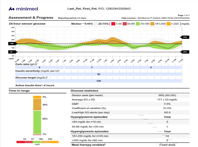
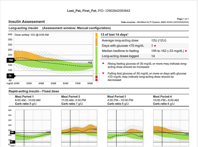
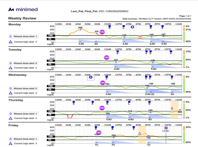
Make it easier to link insulin decisions with glucose outcomes with different CareLinkTM report views
Assessment and progress report
+ Click image to expand
Insulin assessment report
+ Click image to expand
Weekly report
+ Click image to expand
Frequently asked questions


What is the MiniMed Go system?
What is the MiniMed Go system?
The MiniMed Go system is a diabetes management system combining the InPenTM smart insulin pen, a compatible continuous glucose monitor, and the MiniMed Go mobile app. Together, these technologies help you deliver the right dose at the right time.
Who can use MiniMed Go?
Who can use MiniMed Go?
When used with Instinct CGM, the app is indicated for patients ages 7 years and older, or patients ages 2 to 6 years under the supervision of an adult caregiver. When used with Simplera CGM, the app is indicated for patients ages 18 and over. If using InPen alone, the app is intended for all ages, with patients under age 7 requiring supervision.
Can I use another company’s CGM with this system?
Can I use another company’s CGM with this system?
No, the only compatible sensors for the MiniMed Go system are the SimpleraTM sensor and Instinct sensor.
How close does the app need to be to the insulin pen to not lose connection?
How close does the app need to be to the insulin pen to not lose connection?
For pairing, the InPen must be within 3 feet (1 meter) of the MiniMed Go app. The InPen does not need to stay within range of the MiniMed Go app unless a dose is being administered. The pen and app must be within 3 feet (1 meter) for data to be sent.
Make sure the MiniMed Go app and the sensor are located within 20 feet to ensure glucose data is being communicated.
What’s the difference between MiniMed FlexTM and MiniMed Go?
What’s the difference between MiniMed FlexTM and MiniMed Go?
MiniMed FlexTM is an automated insulin delivery system that uses an insulin pump. MiniMed Go is a smart multiple daily injection system.
How long is the warranty?
How long is the warranty?
MiniMed warrants the InPen smart insulin pen against defects in materials and workmanship for a period of 1 year from the date of purchase.
Can I get MiniMed Go if I do not have a compatible smartphone?
Can I get MiniMed Go if I do not have a compatible smartphone?
If you don’t have a compatible smartphone, we can provide an App Manager — a separate device that gives you access to the MiniMed Go app.
Resources
MiniMed Go Healthcare professionals guide
Download
MiniMed Go app settings guide
Download
MiniMed Go therapy management
Download
Footnotes
† Due to inherent real world data limitations, caution is advised when attempting to extrapolate these results to new patients. There could be significant differences
References
- Proper pairing, connectivity, and settings required. Talk to your healthcare professional before establishing and changing your settings. Ensure that all doses taken with InPen are logged in the app, that all doses taken with a device other than InPen are logged manually in the app, and that glucose and meal information entered into the dose calculator are current and accurate. Not doing so can result in incorrect dosing, hyperglycemia, and serious injury.
- Laurenzi A, et al. Insights into the effective use of the Smart MDI system: Data from the first 1852 type 1 diabetes users. Diabet Med. 2025; 00:e70161. doi:10.1111/dme.70161.
- Data on file, Abbott Diabetes Care, Inc.
- Alva, Shridhara, Ronald Brazg, Kristin Castorino, Mark Kipnes, David R. Liljenquist, and Hanqing Liu. "Accuracy of the Third Generation of a 14-Day Continuous Glucose Monitoring System." Diabetes Therapy 14, no. 4 (2023): 767-776. https://doi.org/10.1007/s13300-023-01385-6.
Important safety information: MiniMed Go system
The MiniMed Go system includes the MiniMed Go app, InPen smart insulin pen injector and either the Instinct continuous glucose monitoring (CGM) sensor or Simplera CGM sensor. The system is intended to aid in diabetes management through multiple daily injections of compatible rapid-acting insulins (Humalog, Novolog, or Fiasp). The app and system components each require a prescription. When used with Instinct CGM, the app is indicated for patients ages 7 years and older, or patients ages 2 to 6 years under the supervision of an adult caregiver. When used with Simplera CGM, the app is indicated for patients ages 18 and over. If using InPen alone, the app is intended for all ages, with patients under age 7 requiring supervision. Use of these systems requires, among other things, adequate hearing and vision, a compatible mobile device and operating system, an open app, adequate pairing and connectivity, proper setting, use of an approved rapid-acting insulin, mobile device battery power, proper settings, accurate manual logging of insulin doses administered by means other than InPen, and occasional blood glucose meter (BGM) readings. Establishment of settings and treatment decisions should be made in consultation with a healthcare professional and on the basis of a combination of glucose readings, trend arrows, glucose target, active alerts, and recent events (such as insulin doses, exercise, meals, and medications). Failure to observe these and other details as found in the user guides can result in incorrect dosing, missed alerts and notifications, and ultimately hypoglycemia or hyperglycemia, with serious injury or death possible. For additional safety information and user guides, see https://link.minimed.com/Risks.